Automation with Innflow
How to Seamlessly Connect Slack, Google Sheets, and HubSpot for Enhanced Workflow
Learn how to connect Slack, Google Sheets, and HubSpot in one workflow. Enhance efficiency for sales/ops teams with step-by-step guidance.
Automation with Innflow
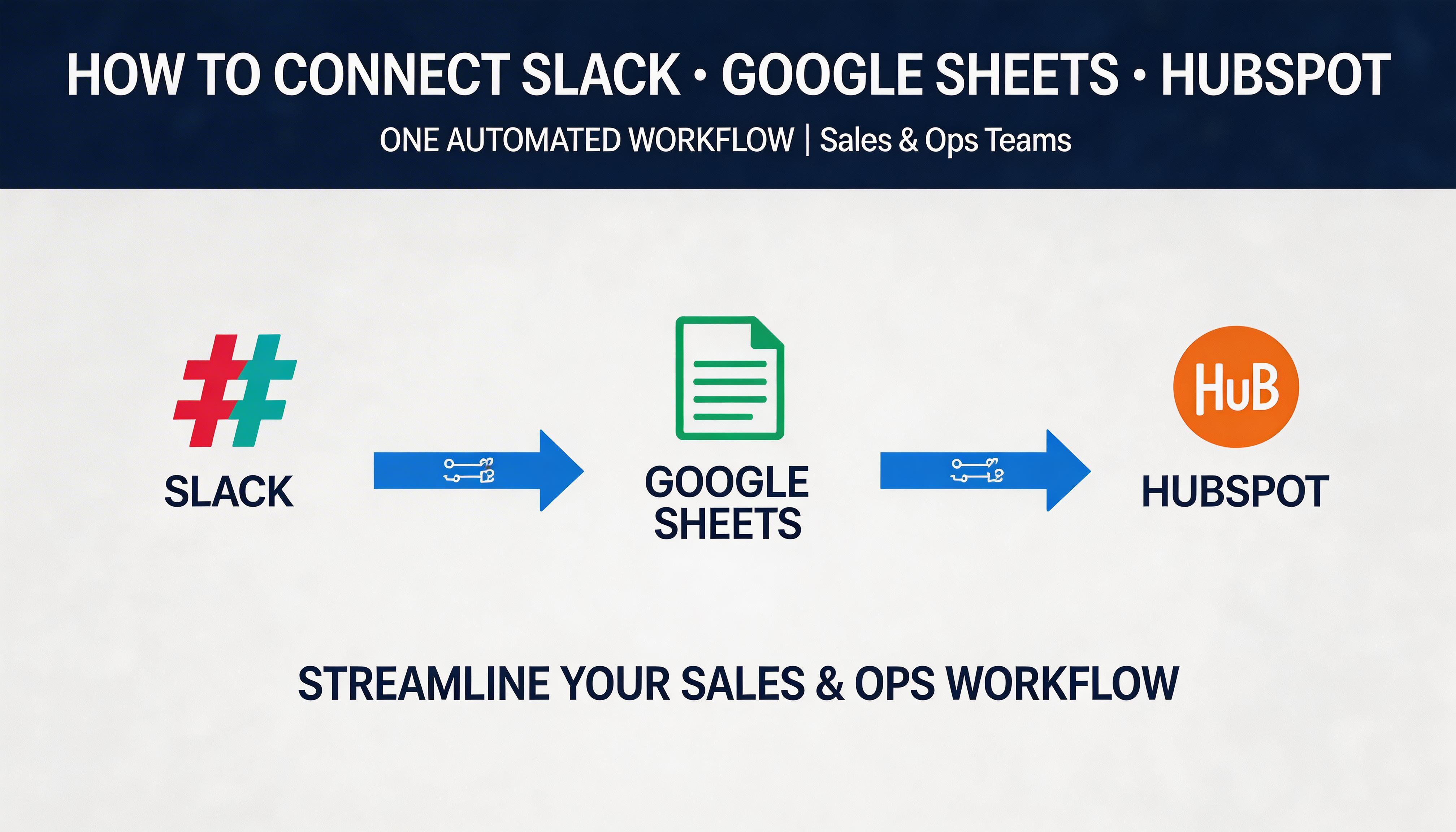
In today's fast-paced digital world, efficiency and seamless communication are paramount for sales and operations teams. The ability to connect Slack, Google Sheets, and HubSpot in one streamlined workflow can be a game-changer. These tools, when integrated effectively, can enhance productivity, ensure data consistency, and improve team collaboration. In this tutorial, we'll explore how you can connect these powerful platforms using Innflow.ai to automate and simplify your workflows.
Why Connect Slack, Google Sheets, and HubSpot?
Before diving into the how, let's address the why. Each of these tools serves a unique purpose within your sales and ops workflow:
Slack: A robust communication tool that allows teams to collaborate in real-time, share updates, and stay connected.
Google Sheets: A versatile spreadsheet application that provides a collaborative space for data management, reporting, and analysis.
HubSpot: A comprehensive CRM platform that helps manage customer interactions, track sales pipelines, and nurture leads.
By integrating these platforms, you can automate data flows, reduce manual entry, and ensure that your team has access to up-to-date information across the board.
Step-by-Step Guide to Connecting Slack, Google Sheets, and HubSpot
Step 1: Set Up Your HubSpot Integration
The first step in connecting your workflow is to ensure HubSpot is integrated with your Google Sheets. Here's how you can do it:
Log into your HubSpot account and navigate to the 'Marketplace'.
Search for the Google Sheets integration and follow the on-screen instructions to connect your accounts.
Once connected, you can import your HubSpot data into Google Sheets for analysis and reporting.
With Innflow.ai, you can automate this process, ensuring that your HubSpot data is regularly synced with your Google Sheets without manual intervention.
Step 2: Automate Updates from Google Sheets to Slack
Next, let's set up an automation to notify your Slack channels whenever there are updates in your Google Sheets. This step ensures that your team is always informed of the latest changes.
Create a new Slack bot or use existing automation tools that integrate with Google Sheets.
Define triggers in Google Sheets (e.g., a new row added, a specific cell updated).
Configure actions in Slack to send a message to a specific channel or user based on these triggers.
Innflow.ai can help streamline this process by providing a seamless interface to set up and manage these automations, reducing the need for complex coding or third-party services.
Step 3: Close the Loop with Slack to HubSpot Integration
The final step is to ensure that any critical updates or actions taken in Slack are reflected back in HubSpot. This integration can help keep your customer data and sales pipeline up-to-date.
Use HubSpot's native Slack integration to connect your accounts.
Set up workflows that allow Slack conversations or actions to trigger updates in HubSpot.
For instance, a Slack command can create a new contact or update a deal in HubSpot.
Best Practices for a Successful Integration
When connecting Slack, Google Sheets, and HubSpot, keep these best practices in mind:
Start Small: Begin with basic integrations and gradually add more complex workflows as your team becomes comfortable with the process.
Regularly Review Automations: Make it a habit to review and refine your automations to ensure they still align with your team's objectives.
Leverage Innflow.ai: Utilize Innflow.ai to manage and optimize your workflows, providing your team with an easy-to-use platform for workflow automation.
Conclusion: Streamline Your Workflow with Integrated Tools
Connecting Slack, Google Sheets, and HubSpot into a unified workflow can significantly enhance your team's productivity and communication. By following this guide, you can automate tedious tasks, ensure data accuracy, and keep your team in sync. Start small, leverage tools like Innflow.ai, and watch as your operations become more efficient and impactful.
Ready to take your workflow to the next level? Explore how Innflow.ai can help you connect Slack, Google Sheets, and HubSpot seamlessly.
Share Blog