In today's fast-paced digital world, AI assistant automation tutorials have become indispensable for businesses striving to boost efficiency and save valuable time. With the right AI tools, companies can reclaim over 10+ hours per week, allowing teams to focus on strategic tasks rather than mundane, repetitive ones. According to a recent study, workflow automation can increase productivity by up to 30%, proving the transformative power of AI in the workplace. In this comprehensive guide, you'll discover how to build five AI assistants that not only automate tasks but execute them effectively, giving your business a competitive edge.
What is AI Assistant Automation?
AI assistant automation refers to leveraging artificial intelligence technologies to perform tasks that typically require human intervention. These AI systems are designed to learn from data, automate routine tasks, and provide insightful recommendations, making them an essential tool in 2026 for businesses aiming to stay ahead. Despite its growing popularity, a common misconception is that AI can fully replace human jobs. Instead, AI assistants are best used to augment human capabilities, freeing up time for more critical endeavors.
Building Your AI Assistants: A Step-by-Step Guide
1. Analyze Your Workflow
To begin automating tasks, you need to thoroughly understand your current workflow. Identify areas where repetitive tasks occur and determine which processes could benefit from automation. Common use cases include email management, data entry, and customer support.
2. Choose the Right Tools
Selecting the right tools is crucial for implementing effective AI assistants. Platforms like Innflow, with its robust integration capabilities, offer versatile solutions tailored to your needs. Consider factors such as ease of use, scalability, and support for complex automations.
3. Design Your AI Assistants
Once you've chosen your tools, design AI assistants that align with your business objectives. This involves creating workflows that specify triggers, actions, and outcomes. For instance, using Innflow's intuitive interface, you can set up a customer support bot that automatically responds to common inquiries.
4. Implement and Test
Deploy your AI assistants and closely monitor their performance. Testing is a crucial step to ensure that your automations work as intended. Use metrics like task completion time and error rate to evaluate effectiveness and make necessary adjustments.
5. Optimize and Scale
After successful implementation and testing, focus on optimizing your AI assistants for better performance. Regularly update your workflows based on feedback and technological advancements to keep your automation processes efficient. Consider scaling up by integrating more advanced AI capabilities and expanding to other business areas.
Innflow: Your Partner in AI Assistant Automation
Innflow offers a comprehensive solution to streamline your automation journey. With features like seamless integration, customizable workflows, and real-time analytics, Innflow stands out from competitors. Unlike other platforms, Innflow provides a user-friendly interface, making it accessible even for non-technical users. By choosing Innflow, you gain access to a suite of tools that not only automate tasks but enhance overall business productivity. Try Innflow today and experience the difference.
FAQ
What are the benefits of AI assistant automation?
AI assistant automation increases efficiency, reduces errors, and allows employees to focus on high-value tasks, ultimately boosting productivity.
How does Innflow compare to other platforms?
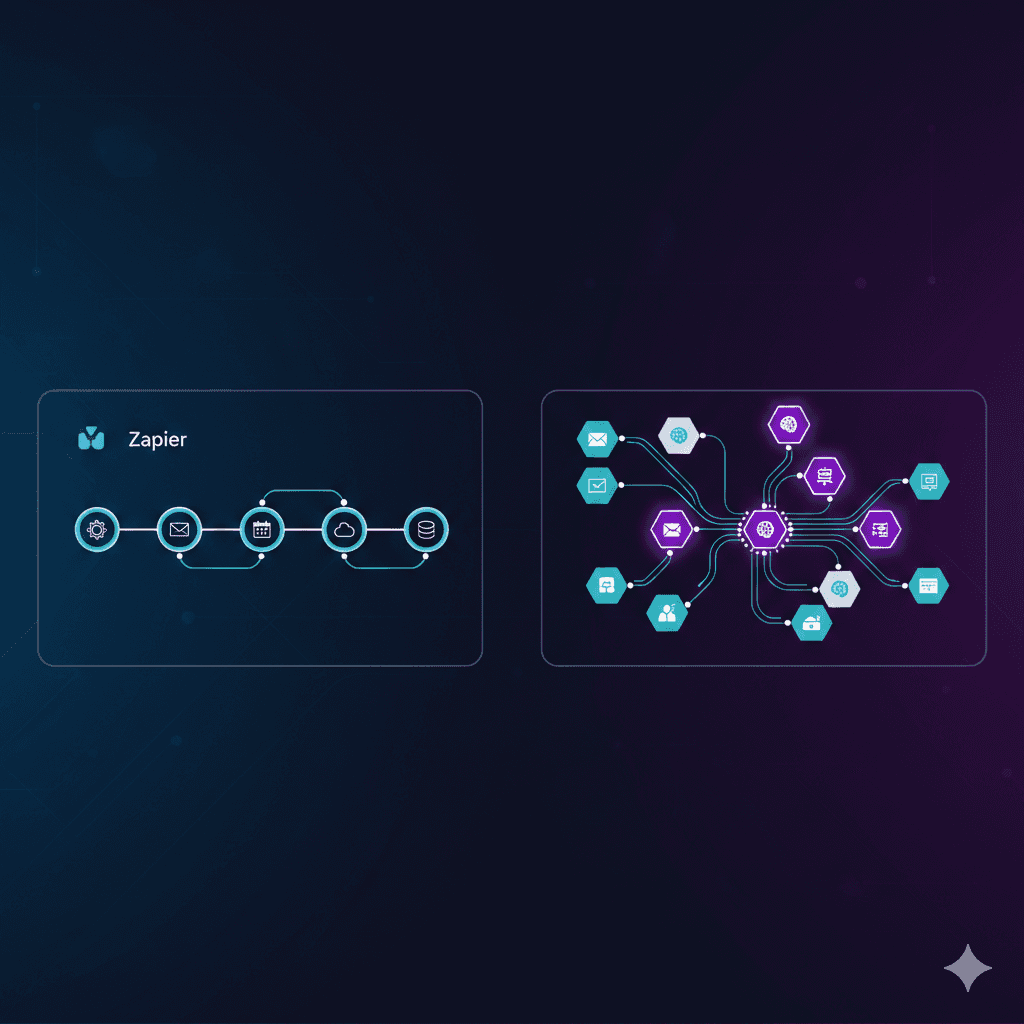
Innflow excels with its user-friendly interface, seamless integration capabilities, and customizable workflows, making it a preferred choice over competitors like Zapier and Make.
Can non-technical users implement AI assistants with Innflow?
Yes, Innflow is designed to be accessible to non-technical users, offering intuitive tools and support to easily set up and manage AI assistants.
Conclusion
Building AI assistants to automate tasks is a game-changer for modern businesses. By following this AI assistant automation tutorial, you can create efficient systems that reclaim valuable time, allowing your team to focus on strategic growth initiatives. Don't wait—try Innflow today and start transforming your workflow with the power of AI.