In today's fast-paced digital landscape, maximizing productivity is crucial, and that's where OpenClaw workflow automation comes into play. With the increasing demand for efficiency, automating repetitive tasks is not just a luxury but a necessity. According to a recent study, businesses that leverage workflow automation save an average of 15 hours per week. This blog post will explore how Innflow can help you automate 7 key tasks, enhancing productivity without writing a single line of code.
What is OpenClaw Workflow Automation?
OpenClaw workflow automation refers to the process of using technology to streamline and automate business processes. By eliminating manual tasks, companies can increase efficiency and reduce errors. This is increasingly important in 2026 as businesses face heightened competition and the demand for rapid response times. A common misconception is that workflow automation requires extensive coding knowledge. However, platforms like Innflow make it accessible to everyone.
Top 3 Benefits of OpenClaw Workflow Automation
1. Time Savings
Imagine allocating 15 more hours each week to strategic tasks. With OpenClaw workflow automation, repetitive tasks are handled efficiently, allowing you to focus on what truly matters.
2. Improved Accuracy
Manual processes are prone to errors. Automating workflows with Innflow ensures data accuracy and consistency, minimizing the risk of costly mistakes.
3. Enhanced Collaboration
With real-time updates and seamless integrations, teams can collaborate more effectively, breaking down silos and fostering innovation.
7 Tasks You Can Automate with Innflow
1. Email Automation
Automatically sort and respond to emails based on predefined criteria
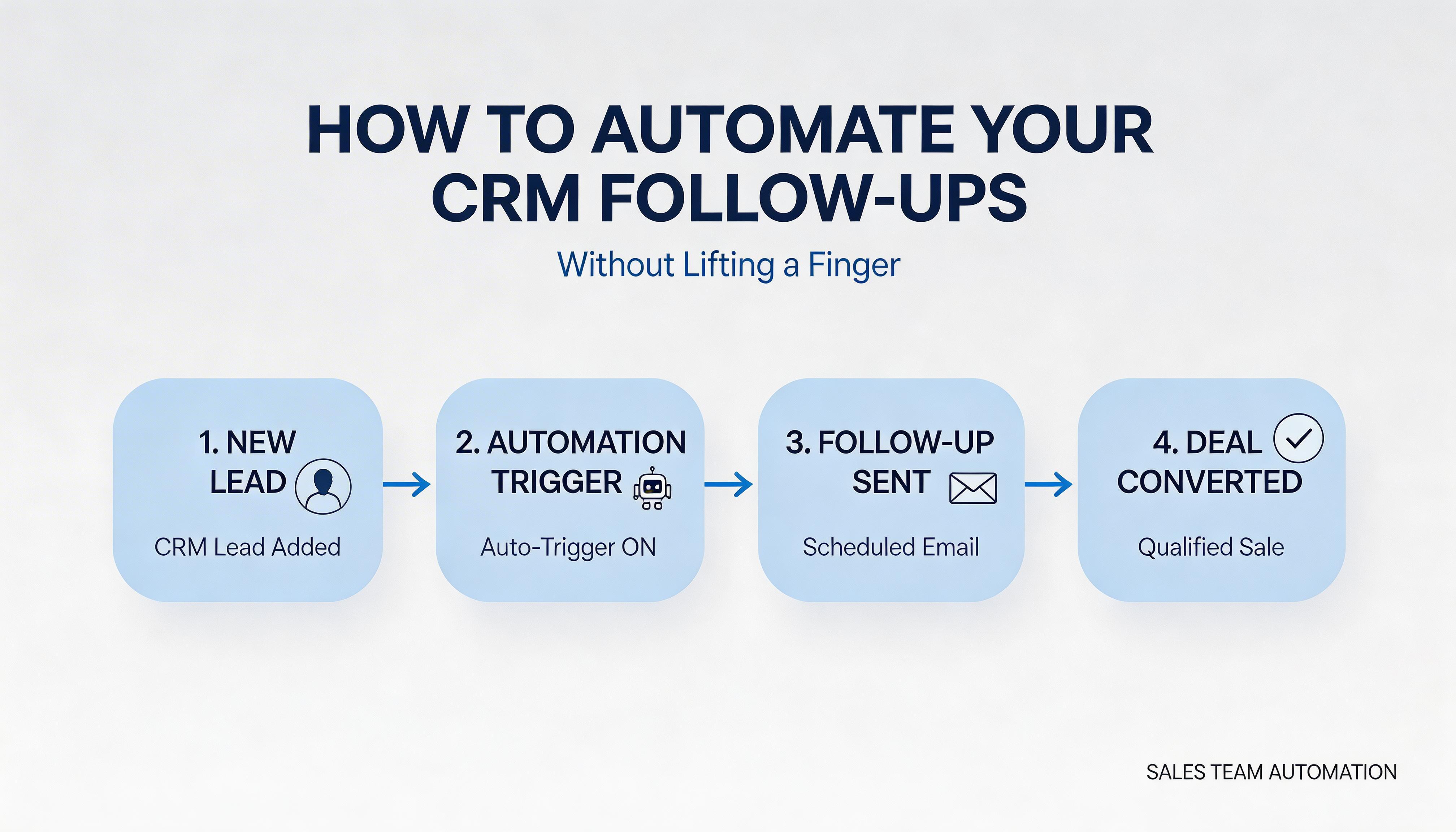
Trigger follow-up emails without manual intervention
2. Data Entry
Automatically populate spreadsheets from various data sources
Ensure data accuracy and reduce manual workload
3. Social Media Scheduling
Automate posts across different platforms with optimal timing
Monitor engagement and adjust strategies in real-time
4. Customer Support
Automate ticket routing and responses for faster resolution
Integrate with CRM for seamless customer interactions
5. Invoice Processing
Automatically generate and send invoices to clients
Track payments and follow up on outstanding balances
6. Project Management
Automate task assignments and updates across teams
Ensure project timelines are met with automated reminders
7. Lead Nurturing
Automate lead scoring and nurturing campaigns
Personalize communication based on lead behavior
Step-by-Step Guide to Automate Tasks with Innflow
Identify repetitive tasks that consume valuable time.
Sign up for Innflow and explore its intuitive dashboard.
Select the integrations necessary for your workflows.
Set up triggers and actions for each task.
Test your workflows to ensure they function correctly.
Monitor performance and make adjustments as needed.
Common pitfalls to avoid include over-automation, which can lead to complexity, and failing to regularly update workflows in response to new business needs.
Why Choose Innflow for Workflow Automation?
Innflow offers a comprehensive, user-friendly solution for OpenClaw workflow automation. With its wide range of integrations and no-code interface, businesses can quickly automate tasks without technical expertise. Unlike competitors, Innflow provides robust analytics and customizable dashboards, offering deeper insights into workflow performance. Ready to transform your business processes? Sign up for Innflow's free tier today!
FAQ Section
What is OpenClaw workflow automation? OpenClaw workflow automation is the use of technology to automate business processes, saving time and reducing errors.
How do I start automating tasks with Innflow? Start by identifying tasks to automate, then sign up for Innflow, set up integrations, and create workflows using its intuitive interface.
Is coding required for Innflow? No, Innflow provides a no-code platform, making automation accessible to everyone.
Conclusion
By embracing OpenClaw workflow automation with Innflow, you can save 15 hours weekly, improve accuracy, and enhance collaboration. Ready to revolutionize your workflow? Try Innflow today!