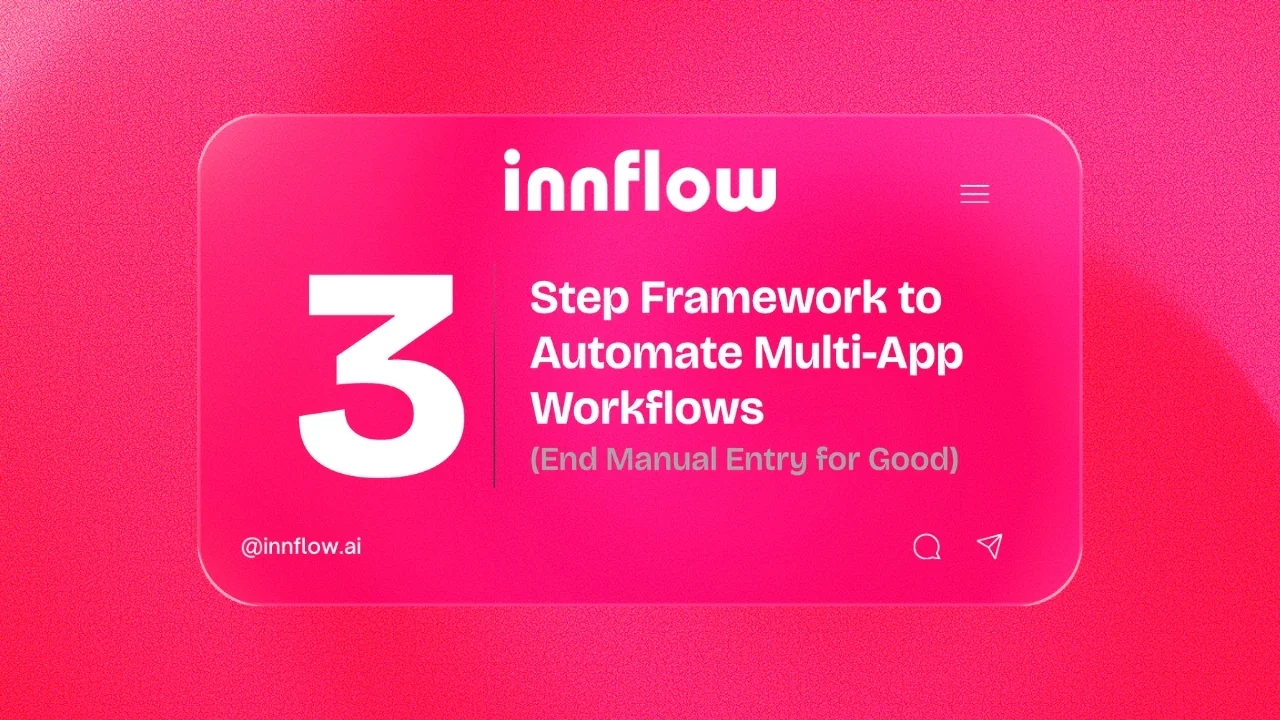
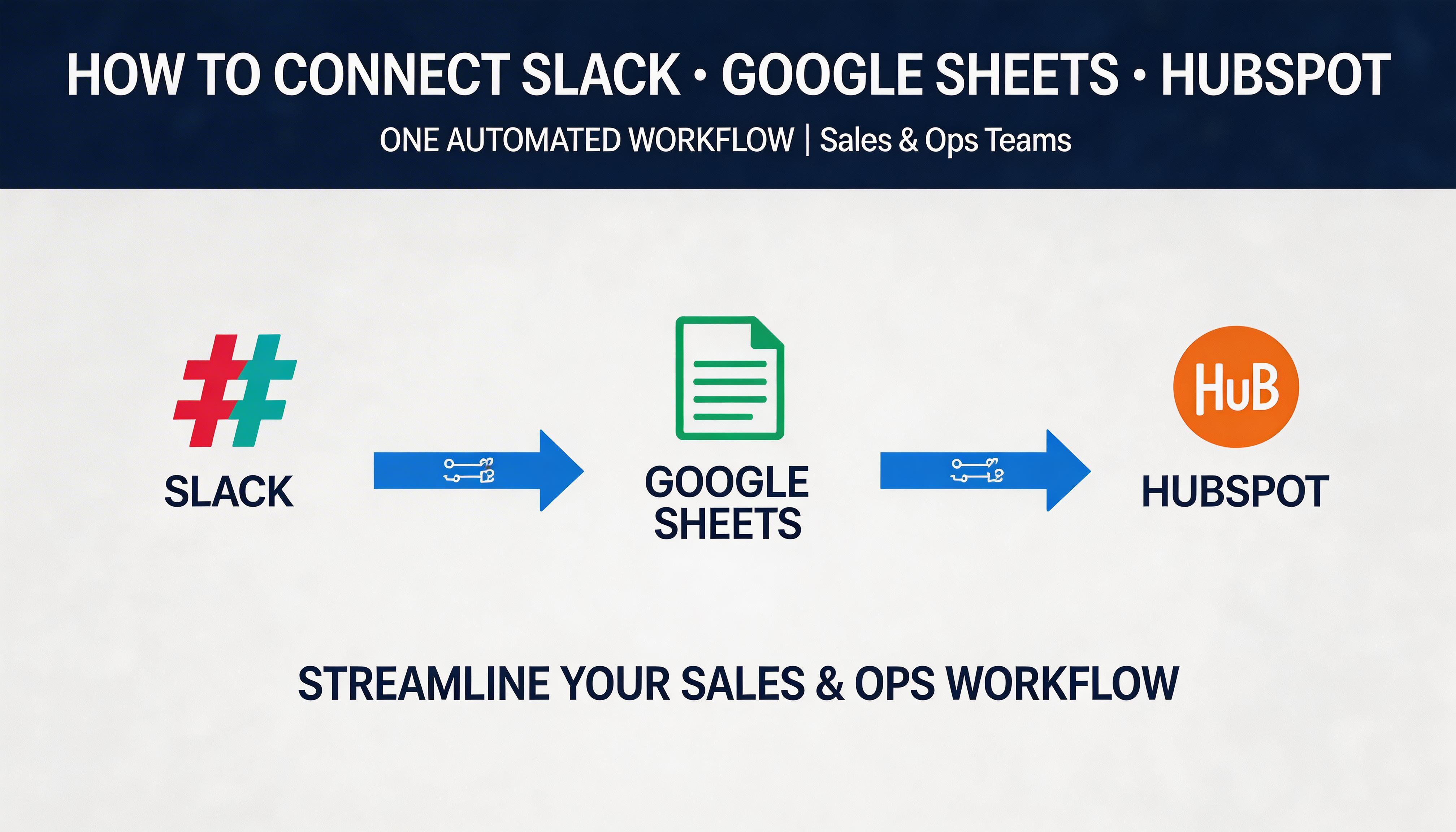
In today's fast-paced digital world, the repetitive task of manual data entry can be a significant bottleneck for businesses. By leveraging AI multi-app workflow integration, companies can eliminate these inefficiencies, saving both time and resources. As we move towards 2026, the importance of automating workflows becomes undeniable, with studies showing that businesses can increase productivity by up to 40% through automation. In this comprehensive guide, we'll explore how to build six seamless multi-app workflows in just three steps, utilizing Innflow's powerful automation features.
What is AI Multi-App Workflow Integration?
AI multi-app workflow integration refers to the process of connecting multiple applications through artificial intelligence to automate tasks and processes. This integration is crucial as it allows for seamless data transfer across platforms, reducing the need for manual input and minimizing errors. By 2026, integrating AI into workflow processes is expected to become a standard practice, as businesses seek to optimize efficiency and accuracy. A common misconception is that such integrations are complex and costly; however, platforms like Innflow make it accessible and straightforward.
Benefits of AI Multi-App Workflow Integration
Implementing AI multi-app workflow integration offers numerous advantages that can significantly impact a business's bottom line:
Efficiency: Automating repetitive tasks frees up employees to focus on more strategic activities.
Error Reduction: Minimizing manual data entry reduces the likelihood of errors.
Cost Savings: Automation can lead to significant savings by reducing labor costs associated with manual processes.
Scalability: As businesses grow, workflows can be easily scaled without additional resource requirements.
Use Cases of AI Multi-App Workflow Integration
Let’s explore some practical examples of how AI multi-app workflow integration can be implemented:
Customer Service: Automatically log customer interactions from chat apps to CRM systems.
Marketing Automation: Seamlessly integrate email marketing platforms with analytics tools to track campaign performance.
Inventory Management: Sync inventory data between e-commerce platforms and financial software to maintain accurate stock levels.
Top 6 Seamless Multi-App Workflows
Here are six powerful multi-app workflows that can be set up in just three steps using Innflow:
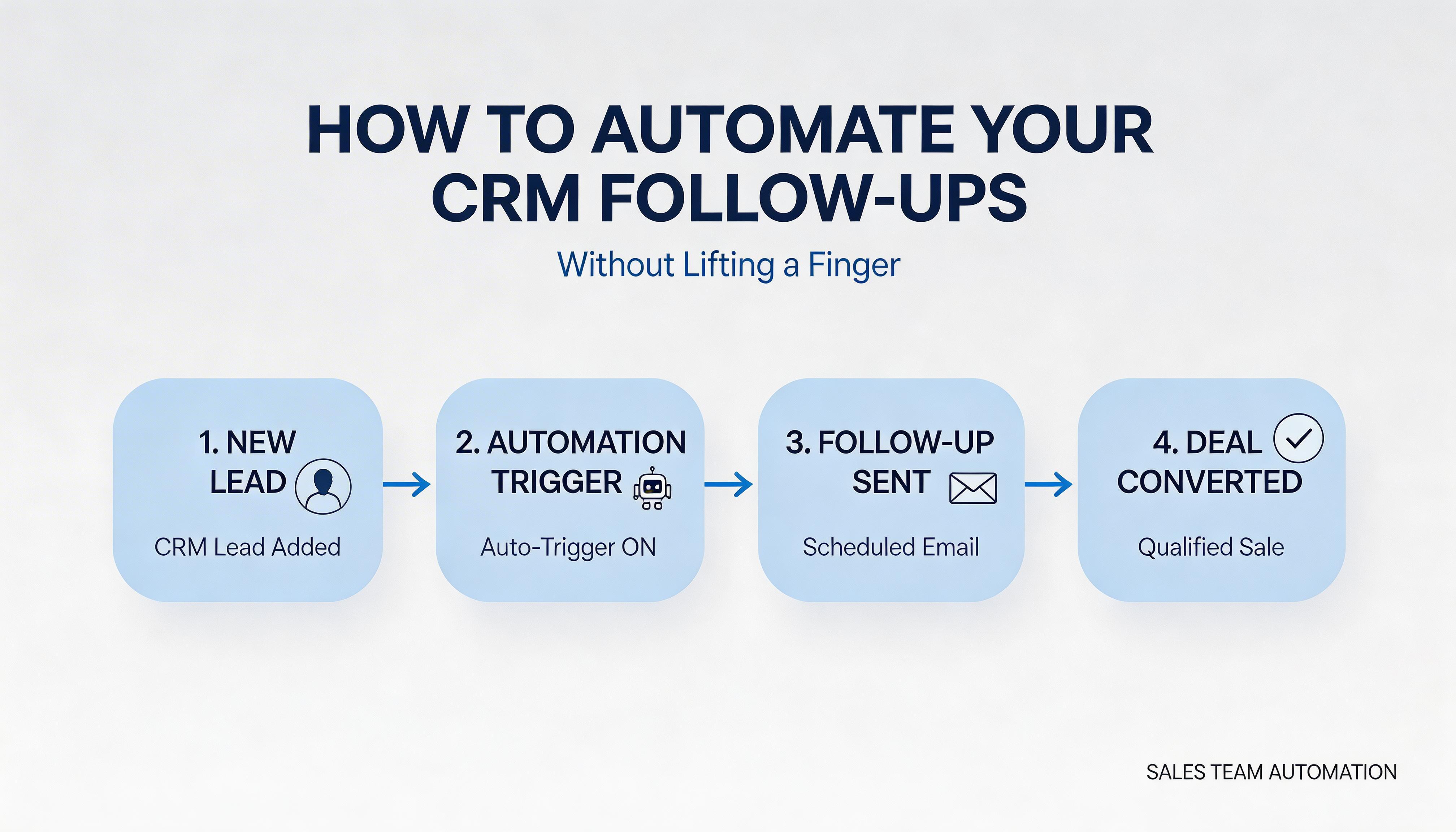
Email to CRM: Automatically capture and store emails as leads in your CRM.
Social Media Monitoring: Aggregate social media mentions and store them in a centralized database.
Project Management Updates: Sync tasks from project management tools to team communication platforms.
Online Sales Tracking: Transfer sales data from e-commerce platforms to accounting software.
Customer Feedback Collection: Collect and analyze feedback from survey tools directly into data dashboards.
HR Onboarding Process: Automate the onboarding process by integrating HR tools with email and document management systems.
Breaking Down the Workflow Setup Process
Each of these workflows can be set up in three simple steps:
Select Apps: Choose the applications you want to integrate.
Define Triggers: Set up triggers that initiate the workflow.
Configure Actions: Specify actions to be performed when triggers are activated.
Step-by-Step Guide to Implementing Workflows
Follow these actionable steps to implement AI multi-app workflow integration using Innflow:
Log into Innflow: Start by logging into your Innflow account.
Choose a Template: Select from a range of pre-built templates that match your business needs.
Customize Workflow: Modify the workflow to suit your specifications and activate it.
Be mindful of common pitfalls such as overcomplicating workflows or not clearly defining triggers and actions.
The Innflow Advantage
Innflow offers a cutting-edge solution for businesses seeking seamless AI multi-app workflow integration. With features like drag-and-drop interface, extensive app integrations, and robust security, Innflow stands out in the competitive landscape. Unlike other platforms, Innflow provides an intuitive user experience and a free tier for businesses to get started. Experience the efficiency and precision of Innflow by signing up today.
FAQ
What is AI multi-app workflow integration?
It's the process of connecting multiple apps via AI to automate tasks and data transfer.
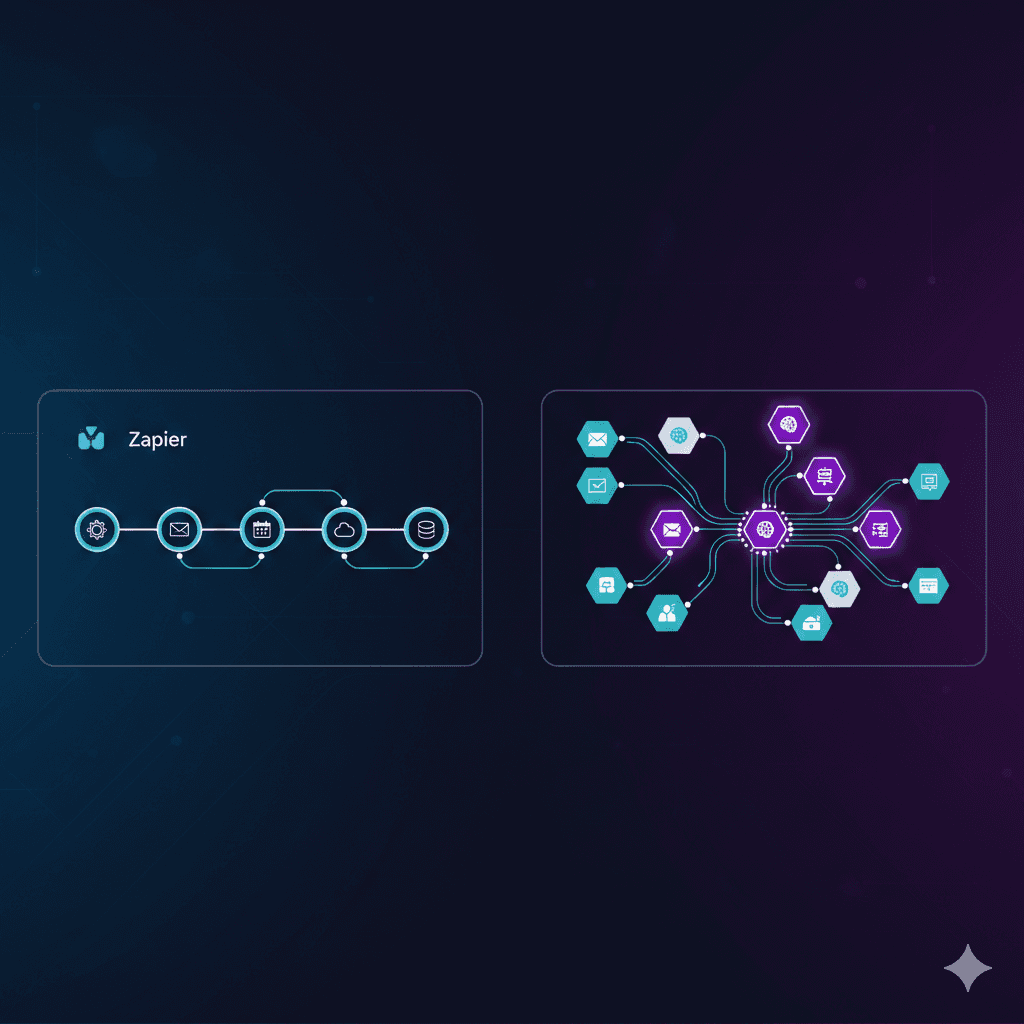
How does Innflow compare to Zapier?
Innflow offers a more intuitive interface and free tier, making it accessible for all businesses.
Can I use Innflow for HR processes?
Yes, Innflow can automate HR processes like onboarding by integrating various HR tools.
Conclusion
In conclusion, leveraging AI multi-app workflow integration through platforms like Innflow can transform business operations, reducing manual entry and enhancing productivity. Start your automation journey today by exploring Innflow's features and see the difference it can make.