
 Continue with Google
Connect innflow to the systems behind your work.
Bring tools, records, and workflow actions together around the operations your property team runs every day.

Make every connection useful.
Start with the tools your team uses.
Explore
Make room for your internal systems.
Explore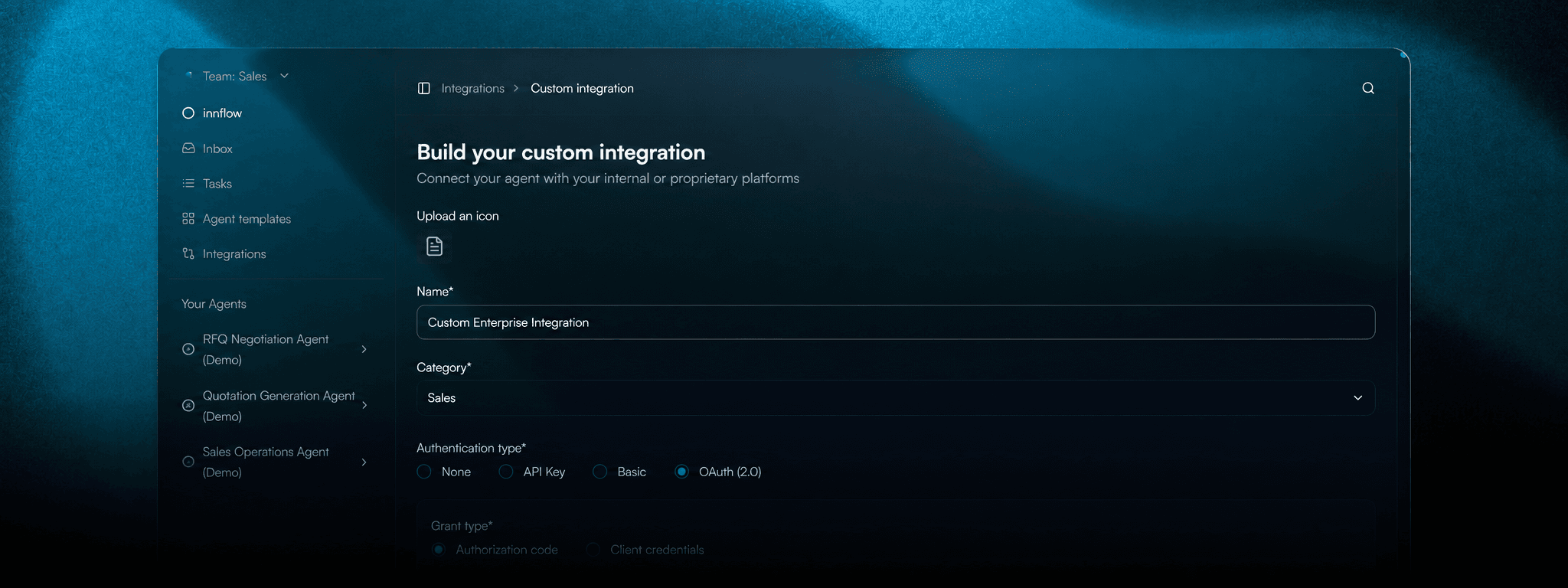
Give each connection the right access.
Explore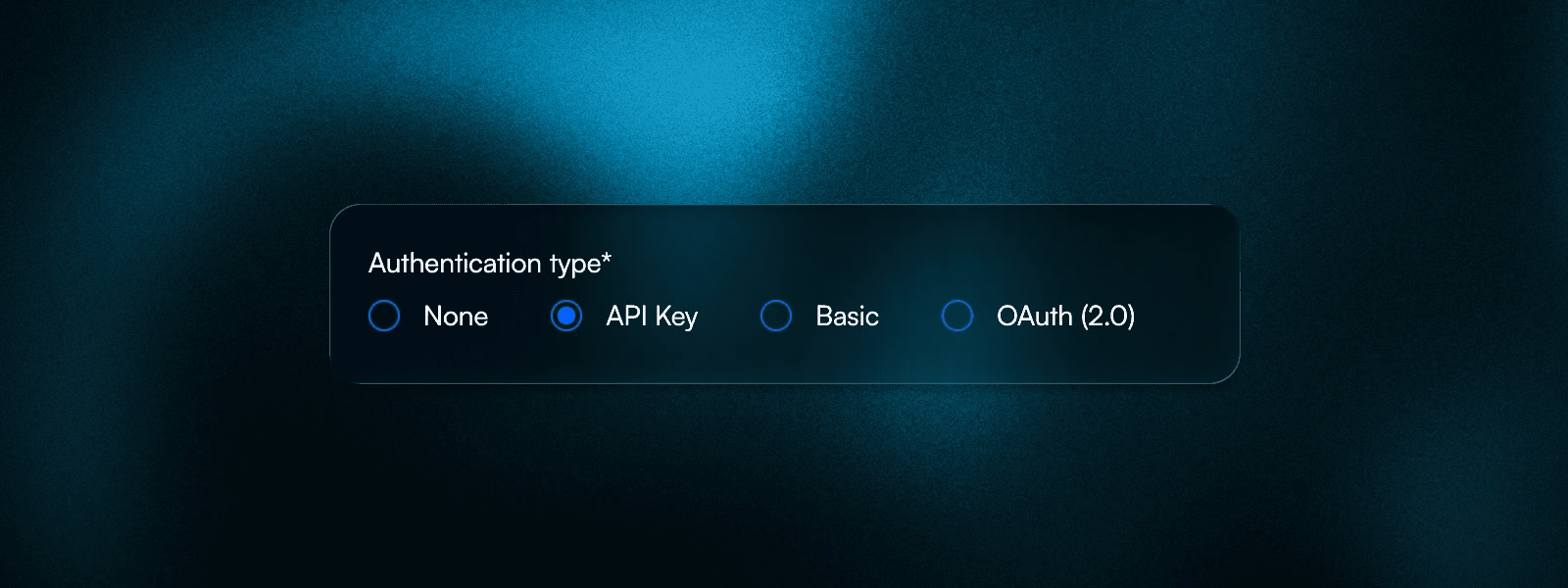
Plan for tools that need a browser.
Explore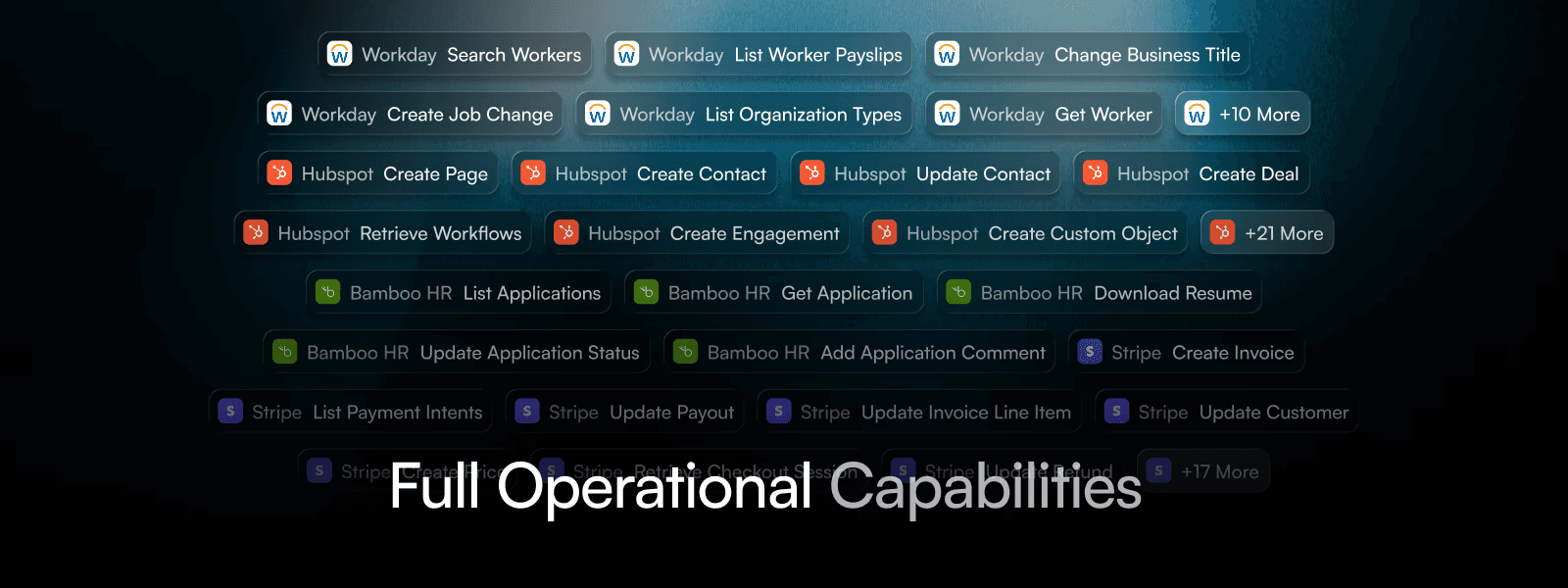
Turn context into a clear action.
Explore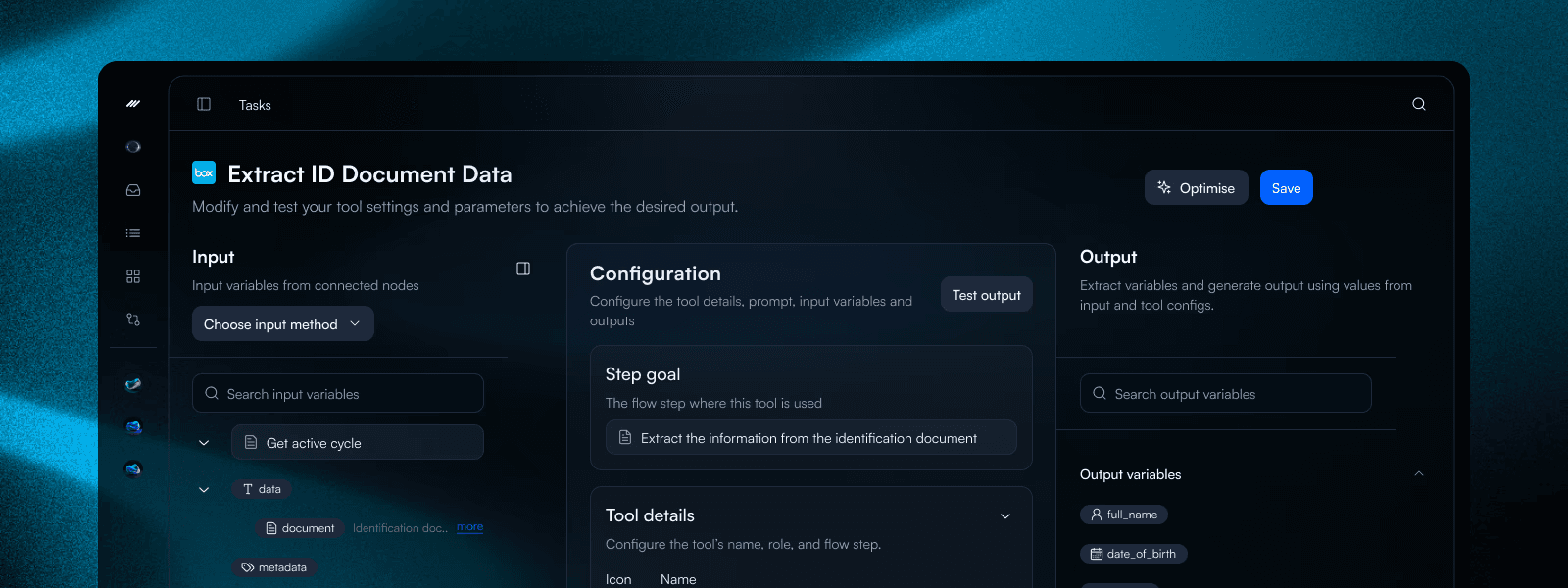
Connect tools through a common interface.
Explore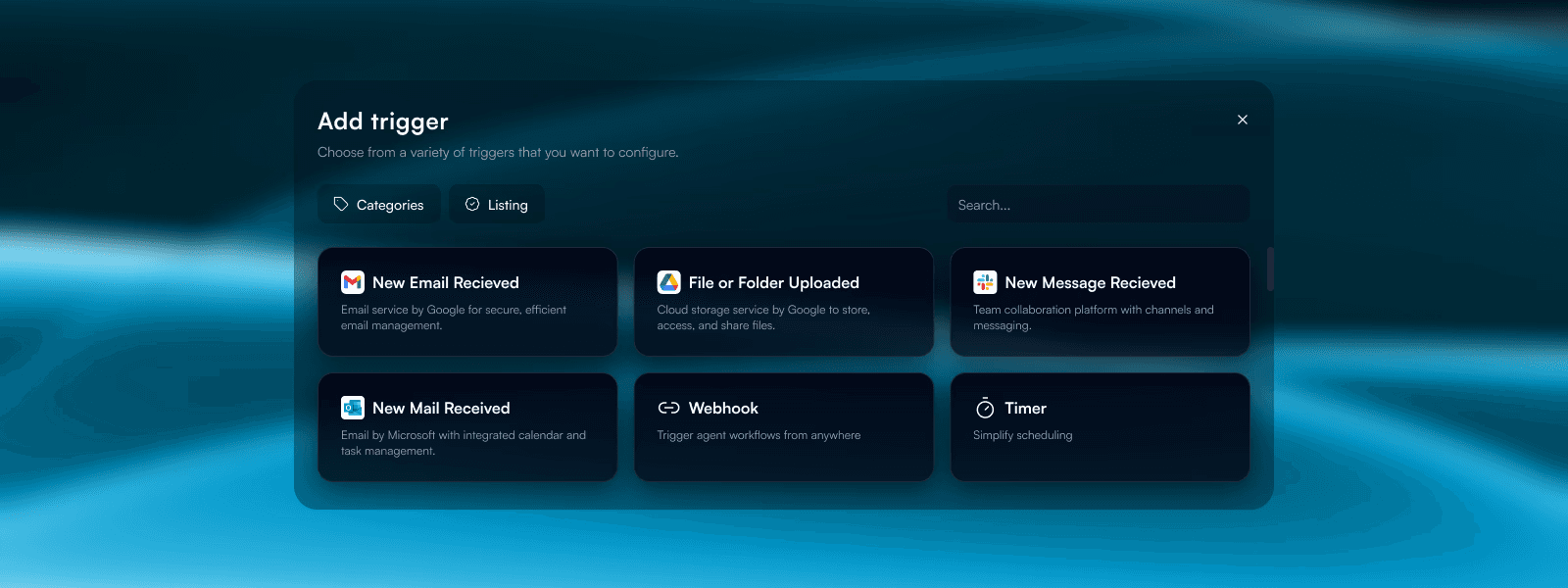
Group actions around a useful task.
Explore
Keep access tied to the connected account.
Explore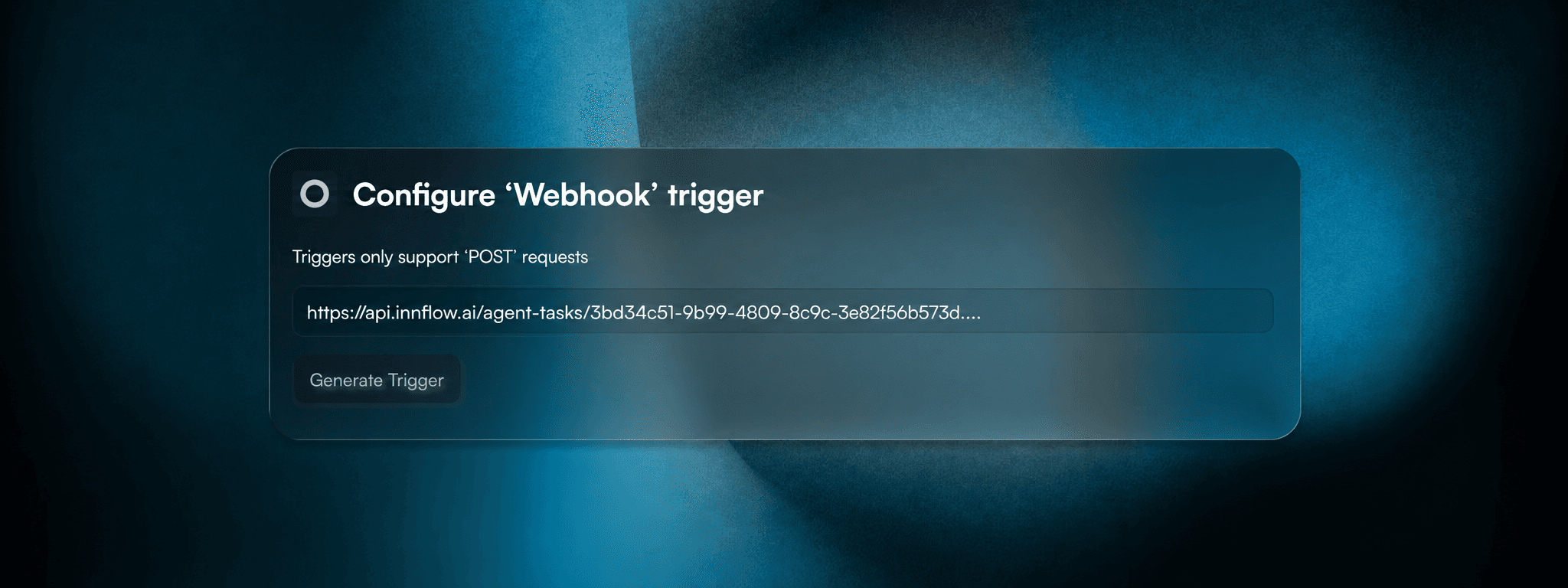
Start with the tools your team uses.
Map your inbox, shared files, and property systems to the operation. Confirm the available connector actions before designing each handoff.
- Connected accounts
- Available actions
- System ownership
Make room for your internal systems.
Document the endpoints and data your workflow needs. Use an API specification as a starting point for scoping a connection to a custom service.
- API specifications
- Required endpoints
- Data contracts
Give each connection the right access.
Connect the account responsible for the operation. Review its permissions and credential lifecycle before allowing a workflow to use it.
- Account permissions
- Credential lifecycle
- Connection review
Plan for tools that need a browser.
Some tasks still happen through an interface. Identify the pages and review points involved, and account for changes in layout or sign-in behavior.
- Interface steps
- Sign-in requirements
- Maintenance ownership
Turn context into a clear action.
Map the information collected by the workflow to the fields an action expects. Review missing inputs and failure handling before the next system is updated.
- Parameter mapping
- Input validation
- Failure handling
Connect tools through a common interface.
Explore how an MCP connection can expose the tools a workflow needs. Confirm authentication, available operations, and the boundary of access for each connection.
- Tool discovery
- Authentication scope
- Operation boundaries
Group actions around a useful task.
Organize related operations into a reusable skill. Keep the instructions and expected inputs clear so another workflow can use the same capability consistently.
- Reusable instructions
- Expected inputs
- Focused capabilities
Keep access tied to the connected account.
Review provider permissions alongside the actions your team intends to allow. Revisit the connection when responsibilities or access requirements change.
- Provider permissions
- Allowed operations
- Access review
Explore more of the platform.
Agentic Automation
Explore how agents can coordinate tasks, decisions, and human approvals across property operations.
Self Learning
Explore how feedback and operational experience can inform improvements to agent workflows.
Evaluations
Define what good looks like and evaluate agent behavior against the outcomes your team expects.
Analytics and Observability
Understand workflow outcomes, follow execution, and identify where operations need attention.
Deployment Options
Discuss deployment requirements for your team, from environment and access to operational ownership.
Security and Compliance
Explore the access, data handling, and governance requirements behind your property operations.